

### Blog Post:
AI security camera no subscription options are rapidly gaining ground with homeowners and DIYers who demand privacy, cost control, and easy access to smart video features—without monthly fees. As subscription fatigue grows, understanding the real-world tradeoffs and benefits of local-storage AI models helps you make the right choice for your space.
Key Takeaways
- Local-storage AI cameras offer real-time detection and recording without ongoing subscription costs, but introduce new privacy and reliability challenges.
- DIY installation is now the norm, with over half of new buyers in 2026 demanding no-subscription models that store footage on SD cards or local NVRs.
- Choosing the right camera means weighing upfront cost, remote-access convenience, backup risks, and the depth of AI features each ecosystem provides.
- 1. The Core Concept
- 2. Step-by-Step Guide
- 3. Advanced Analysis & Common Pitfalls
- 4. Conclusion
- 5. FAQ
The Core Concept: Why AI Security Cameras with No Subscription are Surging
Local-storage security cameras with built-in AI detection are now a top choice for savvy buyers who want to skip cloud fees and keep more control over their footage. Unlike cloud-only brands, these cameras use SD cards or recorders in your home to store video—often combining person, package, and even vehicle or facial detection right on the device. The big shift from 2024 to 2026? DIY, privacy-conscious homeowners are demanding subscription-free models and hybrids that marry real-time AI with manageable local backup.
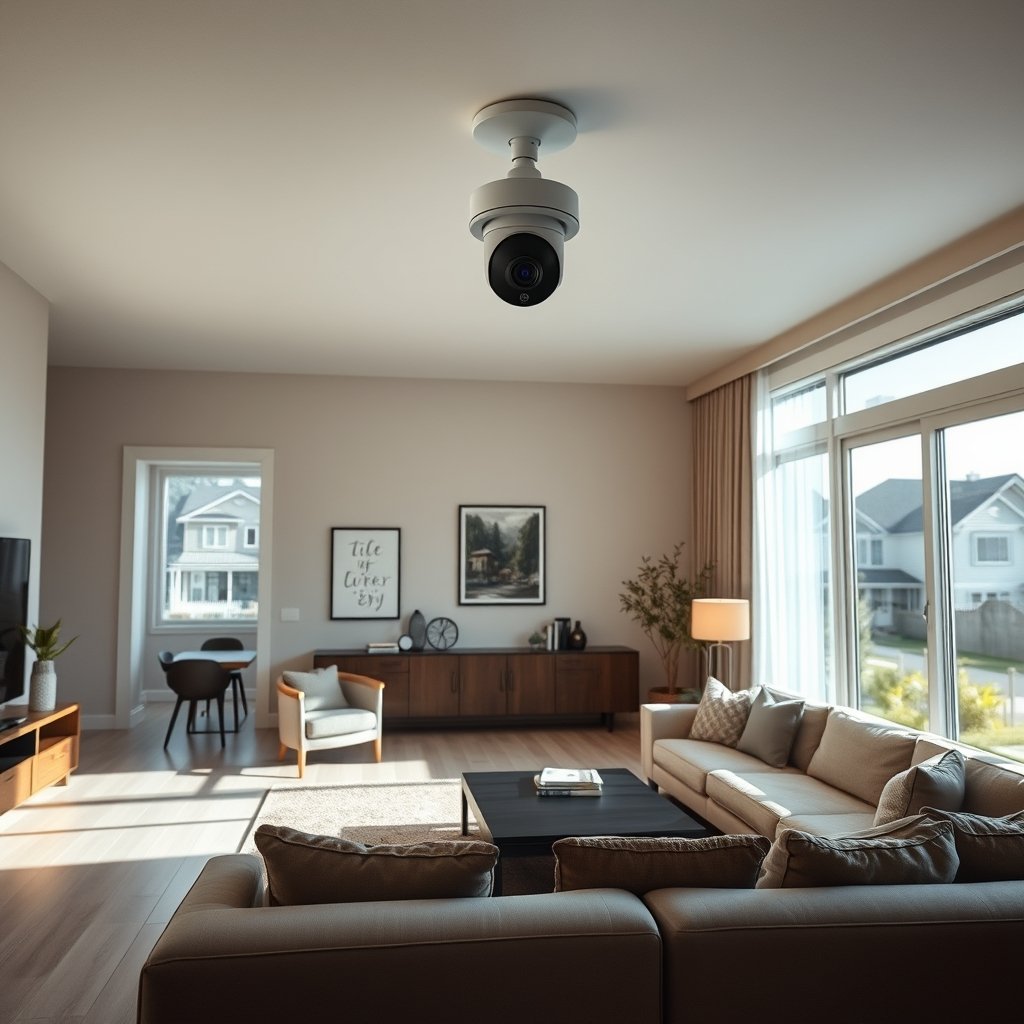
For perspective, global demand for smart home security cameras is expected to multiply nearly fivefold through 2033, reaching USD 56.47B. Of these, nearly 1 in 5 users already insist on local-only storage, while about half prefer a hybrid local-and-cloud approach.
Many buyers are motivated by privacy fears and resentment over recurring cloud/storage fees. Major vendors responded with AI cameras supporting local SD/NAS recording and app access—giving you more control and no monthly bills.
Step-by-Step Guide: How to Set Up Your Own AI Security Camera with No Subscription
Setting up a reliable AI security camera without a subscription is easier than you might expect. Choose a model with robust on-device AI (like person and package detection), microSD or NVR storage, and wide smart-home compatibility. Here’s a stepwise process that delivers security and privacy—on your terms.
-
Choose Your Hardware
Look for AI-enabled models (from Eufy, Reolink, TP-Link, or similar) with at least 2K resolution and SD card or NVR support. Confirm if person, package, vehicle, or even facial detection is done on device with no subscription required. -
Install Physical Storage (SD, NVR, NAS)
Insert a high-endurance microSD card (64–256GB typical) or connect the camera to your local NVR/NAS over your home network. For advanced multi-camera setups, a NAS or NVR with ONVIF support scales best. -
Configure Secure Remote Access
Use the vendor’s app for Wi-Fi access, but never open raw ports on your router. Enable account authentication and create unique, strong passwords. Where possible, activate two-factor authentication from your app or smart home hub.
Read more about DIY smart home tools here for extra setup help. -
Set Up Smart AI Alerts
Use your app to fine-tune notifications. Many top cameras let you suppress animal or vehicle alerts, give custom zones, or even integrate with whole home backup solutions so you never miss an event during power loss. -
Integrate with Your Smart Home
Connect to Apple HomeKit, Google Home, Alexa, or open VMS platforms. If you use Home Assistant or Blue Iris, set up advanced automation—like activating lights or sirens on detection. This offers control beyond basic app notifications. -
Maintain Privacy and Security
Regularly update camera firmware, change SD cards annually, and use privacy shields when at home. For sensitive locations, supplement local storage with periodic manual backups to offline drives to prevent total loss in case of camera theft.
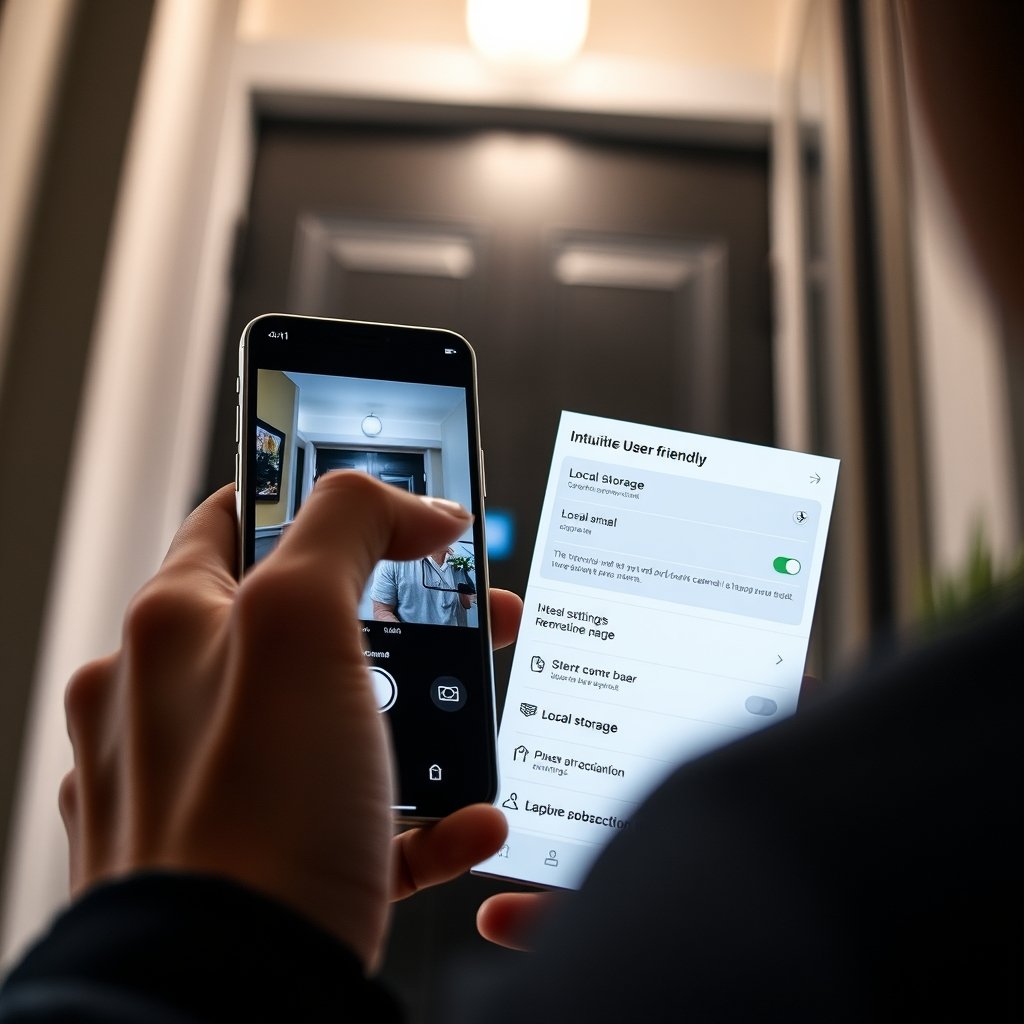
Following these steps gives you full feature access minus monthly fees, but also exposes certain risks that smart buyers should plan for.
Advanced Analysis & Common Pitfalls: What to Expect (and Avoid)
No subscription AI security cameras bring more control—but also new challenges. Here are the most common pitfalls you need to avoid:
- Single Point of Failure: If your camera or SD card is stolen or damaged, recorded footage is lost. There is no automatic off-site backup unless you configure one manually.
- Remote-Access Risks: Local-only setups depend on Wi-Fi and power. If your router or power is down, remote viewing—and sometimes recording—won’t be available until restored.
- Storage Limits and Overwrites: SD or NAS devices with limited capacity will overwrite old footage quickly. Without extra storage, you may miss key evidence events—as 33% of surveyed users reported.
- Complexity: Multi-camera setups (particularly with open-source VMS like Blue Iris or Frigate) require technical skills to configure multi-channel timelines and smart search.
- Potential AI Shortcomings: On-device AI can be less accurate than cloud analytics, especially when faced with poor lighting or rapid changes. Expect occasional false positives or missed events.
- Hardware Failures: Consumer SD cards can silently corrupt over time. Cheaper outdoor wire-free units may struggle with weather or battery reliability.
- Security Gaps: Default passwords or skipped firmware updates leave your camera streams exposed, even when stored “locally.”
Ultimately, choosing between no-subscription local models and premium cloud subscriptions requires balancing privacy, reliability, upfront cost, and ease of use. The feature and cost differences break down as follows:
| Aspect | No-Subscription Local Cameras | Subscription-Based Models |
|---|---|---|
| Core AI Detection | Included; on-device, no fees | Often limited to paid plans |
| Facial Recognition | Emerging on-device; some brands now support it | Mature, but often requires subscription |
| Storage Length | Limited by SD/NAS size; manual upgrades needed | Cloud retention, longer history with higher plans |
| Advanced Analysis | DIY via VMS | Powerful—cloud-driven, multi-sensor |
| Remote Access | Local, works if network up; no off-site backup | Accessible anywhere; off-site backup built-in |
| Price Over 3 Years | Higher hardware cost, no monthly fees | Lower device cost, but $5 to $10/month per account |
| Smart Home Integration | Wide; ONVIF and third-party friendly | Tighter, but locked to brand ecosystem |
For more in-depth tools to maintain and install these systems, see our guide to Smart Home Tools & DIY Solutions. For extra peace of mind in blackout scenarios, integrating your cameras with a whole home battery backup is a smart strategy.
Conclusion: Is an AI Security Camera with No Subscription Right for You?
Choosing an AI security camera no subscription puts the power of privacy, ownership, and cost savings in your hands. While setup and management require more attention—especially around backup and remote access—you control your data and avoid the cost creep of monthly subscriptions.
If you value privacy, want to dodge surprise billing, and are ready to learn a bit about local device administration, no-subscription AI cameras are a smart investment. Get started today by reviewing detailed product specs and compatibility to ensure you’re selecting a futureproof model for your unique needs.
Still unsure? Explore our other resources like PFAS water filter guides or kitchen fixture reviews to level-up every aspect of your home security and lifestyle.
FAQ: AI Security Camera No Subscription
Can you really get reliable AI camera features without a monthly subscription?
Yes. Most leading local-storage cameras now include person, package, and even facial detection on device—without needing to pay for ongoing cloud analytics. However, you may give up extended video history and advanced behavioral analytics found in some premium paid plans.
How long does my footage stay on a local-storage AI camera?
The retention period depends on your SD card/NVR size and video settings. Typical SD cards (64–256GB) store from a few days to three weeks of footage. Larger NAS or NVR setups can store months’ worth, but footage is overwritten when storage is full.
What happens if my camera is stolen or destroyed?
If using only local storage, all video could be lost. To reduce risk, use hidden or multiple cameras, enable motion/photo alerts, and consider hybrid-storage models or regular manual backups.
Do no-subscription AI cameras work with smart-home platforms?
Many do. Look for cameras supporting ONVIF and integrations with HomeKit, Alexa, Google Home, or open VMS solutions. This enables automations, advanced alerts, and the ability to connect footage with smart devices across your home.
How do I keep my local-storage AI camera secure from hacking?
Change default passwords, keep firmware updated, and restrict remote access through your router. Using established brands and following basic network security tips keeps footage safer from unauthorized access, whether you use local or hybrid storage.
—